UX/UI design
Users abandon a feature when the product makes them reconstruct the process in their head.
The short answer
Good product UX starts with the real task, the people and systems involved, and the decisions a user must make. Map the complete flow before polishing screens, design empty, error and permission states with the main path, test a realistic prototype with target users and hand developers behaviour and acceptance criteria rather than isolated pictures.
A confusing feature is rarely fixed by moving the button. The product may be asking for information too early, hiding a dependency, mixing two user roles or treating a real-world exception as an error. UX design makes the whole task visible, then reduces what the user has to remember, repeat and recover from.
Observe the task outside the interface.
Start with the last time someone completed the work. Ask what triggered it, which information they gathered, who they waited for, what they checked and what happened after the visible task was done. Collect the spreadsheets, messages, forms and workarounds involved. The product is one part of that process, not the entire process by default.
Separate the person doing the task from the person accountable for the result. A frontline user may need speed and clear recovery while a supervisor needs exceptions and evidence. Combining both needs into one overloaded screen often serves neither role.
Write the outcome in user and business terms. The user completes a correct request without re-entering information. The business receives enough evidence to act without a follow-up. Those outcomes guide the design when several interface patterns could all look reasonable.
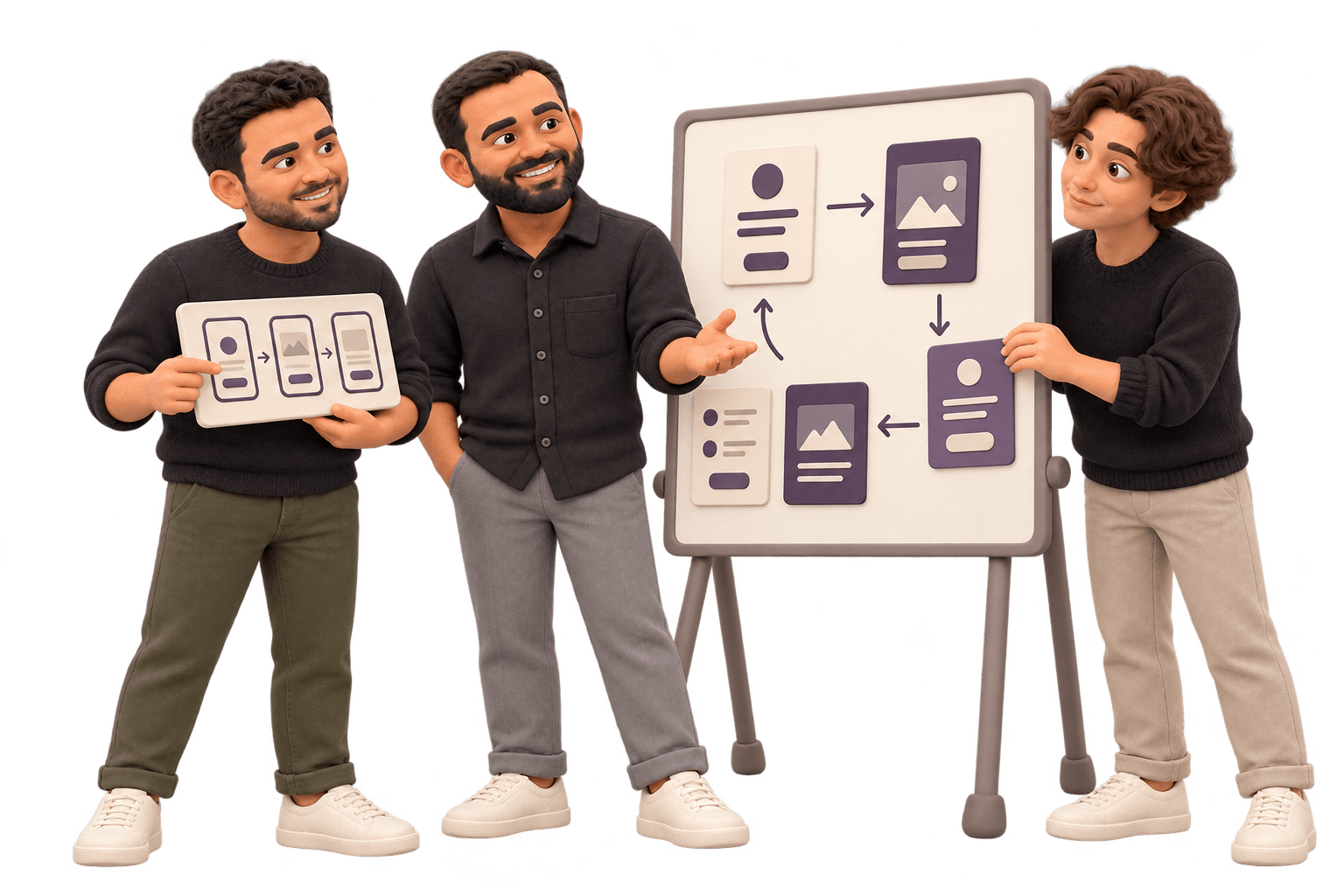
Map the flow, branches and state changes before styling screens.
A flow should show where a user starts, the decisions they make, the information the system supplies and the record that changes at the end. Include alternate roles and the common exception paths. If the map becomes impossible to explain, the product may be trying to solve several jobs at once.
Reduce memory and duplicate entry. Show relevant context when a decision is made, carry known information forward and make progress visible across a longer task. Do not ask a person to remember a code from one screen while entering it on another if the system already holds it.
1. Reconstruct the current task
Follow a recent real example from trigger to outcome, including people, systems, waits and exceptions outside the current product.
2. Define users and permissions
Name who starts, views, changes, approves and recovers the work. Keep responsibility visible in the flow.
3. Sketch the smallest complete path
Arrange the information and actions needed to finish the job, then remove steps that only repeat what the system already knows.
4. Add the states around it
Design loading, empty, error, denied, interrupted and completed states while the flow is still easy to change.
Design the states that tell the user what happened.
A blank page can mean there is no data, the search found nothing, access is limited or the request failed. Those conditions need different explanations and next actions. The interface should distinguish them without expecting the user to infer the system state from an empty table.
Errors should appear near the action or field they affect, preserve valid work and explain how to continue. Prevent irreversible or consequential actions where practical, then provide a clear confirmation or recovery path. A message saying something went wrong transfers the uncertainty to the person least able to diagnose it.
Permissions should explain the boundary. Hiding an action may be right when it is irrelevant to a role. Showing a disabled action with a reason may be better when the user needs to understand that another person owns the next step. Choose against the work, not a universal rule.
| State | Question to answer | Useful next action |
|---|---|---|
| Empty | Is there nothing here yet? | Create, import or understand what will appear |
| No results | Did the search or filter remove everything? | Change criteria or clear the filter |
| Error | What failed and is my work safe? | Correct, retry or contact the accountable person |
| Denied | Why can I not continue? | Request access or route to the responsible role |
Test the decision and the behaviour before polishing every screen.
Use a prototype that lets a target user attempt the real task with representative content. Give them the situation, not instructions for operating the interface. Observe where they hesitate, misread a label, look for missing context or believe the task is finished before the system does.
A few focused sessions can reveal repeated usability problems, but they do not prove market demand or future business results. Keep the question narrow. The test can show whether people understand and complete the flow. Other research and product evidence answer whether the flow is worth building.
Revise the model when the same confusion appears in different places. Adding tooltips to every screen may hide that the states or terms are wrong. A prototype is valuable because those deeper changes still cost a conversation rather than a release.
Hand over behaviour, content and acceptance criteria.
Developers need more than the preferred screen. Provide the flow, component states, responsive behaviour, content rules, permissions and what happens after every consequential action. Link the design to shared components so a visual change does not become a new one-off implementation.
Write acceptance criteria around observable behaviour. A user with the right role can complete the task, invalid data is explained without losing valid work and an interrupted request can be resumed. That gives design review and testing the same reference point.
We keep design and development close enough that constraints shape the flow while it is still being decided. The shipped product remains the final design surface. Review it with real content and device conditions, then measure whether the task became easier after release.
Return to the workflow after people have used it without a researcher present. Support requests, abandoned states and manual corrections reveal different problems from a moderated prototype. Use that evidence to refine the flow before assuming the next feature needs more screens or another layer of instruction.
Worth knowing before you start
Ask a user to show the last real example of the task instead of asking how the process usually works.
Map roles, decisions and state changes before arranging the final screen layout.
Test the prototype with representative content and a realistic task, without explaining where to click.
Give development the flow, states, permissions and acceptance criteria, not only the preferred screen.
Related work
Common questions
It usually includes current-task research, user and permission definitions, flow maps, information structure, wireframes, component and state design, interactive prototypes, focused usability testing, responsive behaviour and build-ready specifications with acceptance criteria. The exact set should match the uncertainty in the product.
UX design shapes the task, sequence, information, roles and recovery. UI design shapes the controls, hierarchy and visual presentation through which that experience appears. They need each other, but polishing the interface cannot repair a flow built around the wrong task or missing rule.
Use enough representative users to see repeated patterns for the specific task, then test again after material changes. The exact number depends on the range of roles and workflows. Prototype testing identifies usability problems; it should not be presented as proof of market demand or every future use case.
They should receive user flows, responsive screens, shared components, states, content rules, permissions, interaction behaviour, assets and acceptance criteria. A developer should not have to infer what happens after an error, on a small screen or when a different role opens the same record.
Related
Want to talk through your situation?
A short call is usually enough to tell whether this is the right work for you. If it isn’t, we’ll say so.