Why Nobody Uses Your Resident Portal
By Rigoris Digital
The short answer
Residents skip the portal when the first visit costs effort and returns nothing. Usually an account wall comes before any value, the three things people actually want (paying, checking a maintenance request, reaching a person) are missing or slow, and the office still takes calls without logging them. Close the parallel path first.
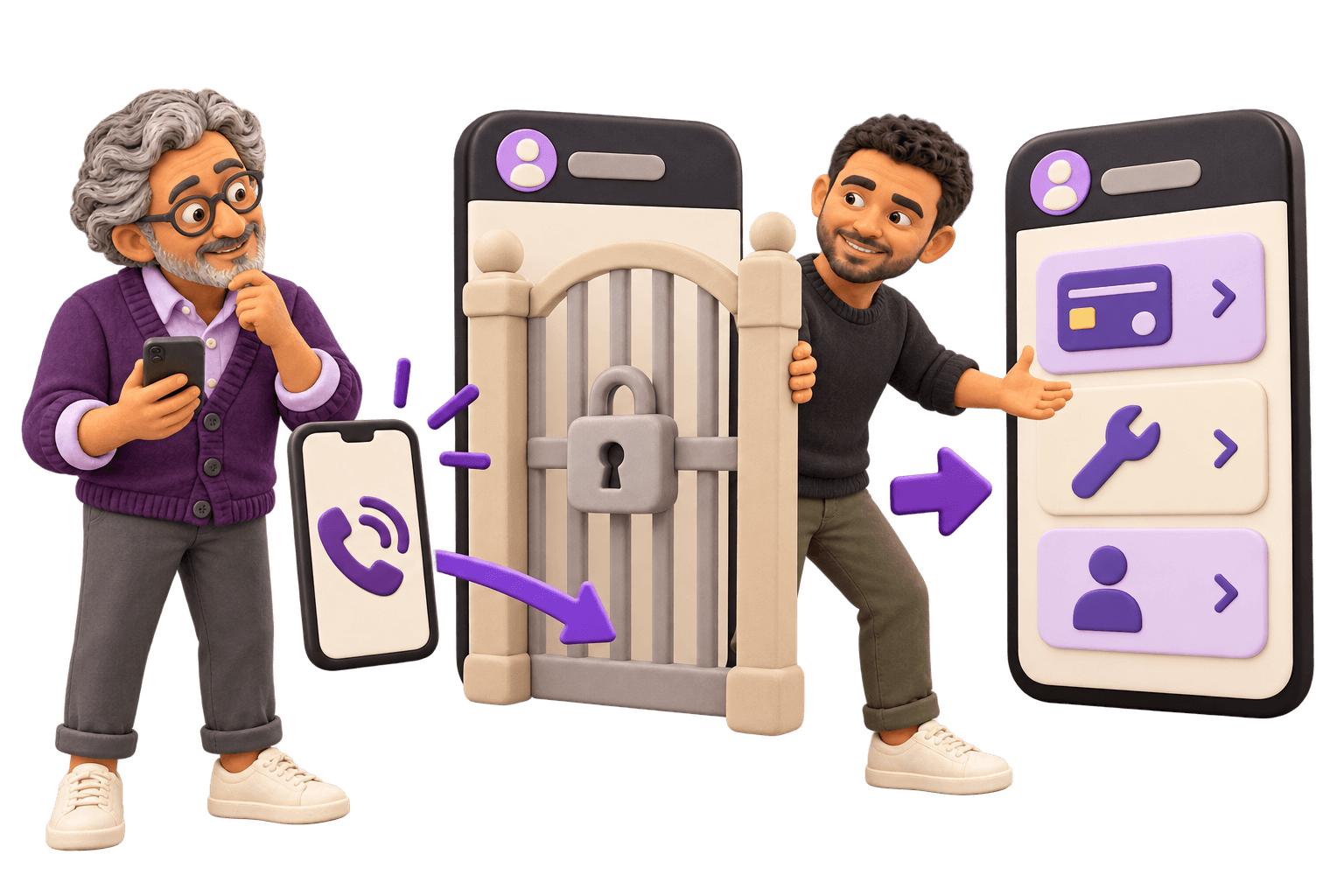
TLDR
Another announcement won’t move adoption. Residents know the portal exists. They tried it and decided it wasn’t worth the trouble.
Most portals ask for an account before they show anything useful, so the first visit costs effort and pays nothing back.
Invitations fail quietly: stale addresses, one name on a two-name lease, bounces nobody reconciles.
If paying, checking a request and reaching a human aren’t all inside it and fast, the portal is optional, and optional means dead.
The biggest cause is the parallel path. While the office takes requests by phone without logging them, calling is faster, and residents are right to call.
Fix the three tasks, close the parallel path, check it on a phone. Adoption follows without a campaign.
The Portal Is Live and the Phone Still Rings
You paid for the portal, ran the rollout, sent the announcement, and the phone still rings with the same rent question and the same leaking tap. The vendor suggests a second campaign. Your owner or your board asks what you bought.
Both responses assume residents never heard about it. They heard. Plenty of them opened it once. What happened on that first visit is the whole story, and it is rarely a communication failure. It is a short list of design and operations problems, and every one of them is fixable without sending another email.
Low Adoption Is Almost Never a Marketing Problem
Awareness is rarely the constraint. Residents have the office number saved in a phone or stuck on a magnet, and they know the portal exists because you told them and the login link sits in every email footer. An announcement tests whether people know. It cannot test whether the thing is worth using.
Adoption is a comparison, not a decision. A resident with a problem has two routes to the same outcome and takes the faster one. Calling costs one tap and a short wait, and ends with a person saying they’ll look into it. If the portal costs a password reset, a run of screens and no reply, the resident isn’t being stubborn or old-fashioned. They’re doing arithmetic, and getting the right answer.
Which is why campaigns produce a spike and then a slide back to the same baseline. Marketing a route slower than the alternative just gets more people to discover, personally, that it’s slower.
The Six Things That Actually Keep Residents Out
Six causes come up again and again, and they aren’t equally important. Number four quietly cancels out the other five, so if you have appetite for one change, make it that one.
1. It asks for an account before it shows anything worth having
A resident gets a link, taps it, and lands on a create-account form. No balance. No open work order. No number for the office. They have to spend the effort before they find out whether there was any point, and the only way to learn there wasn’t is to do it first.
Nielsen Norman Group has argued against login walls for more than two decades, and the reason hasn’t changed: the wall carries a real interaction cost, because people have to remember credentials or take the time to create an account before they get a taste of what’s behind it. In a consumer app that costs you a signup. In a resident portal it costs you the only visit you were ever going to get.
Put something real on the other side of the link, before the password. A balance, the status of the request they filed last week, the office number. You hold the data and you know who the link went to, so the first action can be one verification step instead of a form asking for what you already have on file.
2. The invitation never actually arrived
Boring, and extremely common. The email on the application is out of date. The lease has two adults and the invitation went to one of them, usually not the one who handles the bills. The address bounced into an unmonitored inbox. In a condo or HOA it’s worse, because the owner of record and the person living there are often different people, and the account was set up for the one on the deed.
The reporting is what hides it. The system tells you how many invitations were sent, which is true and useless. Sent is not delivered. Treat the list as a reconciliation job: every household carries a status of delivered, activated, or failed with a reason, and somebody works the failed column by phone. That is the one round of calls worth making.
3. The thing residents want most isn’t in there
Across rentals, condos and HOAs, three tasks account for most of the contact an office gets. Paying, and seeing the payment land. Filing a maintenance or violation request and finding out whether anyone has looked at it. Reaching a person when something is wrong enough that a form won’t do.
Plenty of portals cover the edges of those and stop short of the middle. The balance is visible but paying happens on another site with another login. Requests can be submitted but not tracked. Documents, announcements and the amenity calendar are all there, and none of them are why anyone picks up the phone. If one of the three still needs a call, the portal is a convenience rather than a route, and conveniences get skipped.
Count it rather than guessing. Sort a month of phone logs by reason. If the top three aren’t finished end to end inside the portal, nothing else on the roadmap matters yet, and when you take that list to whoever builds your software, how you write the request decides whether it gets built.
4. Your office still has a faster parallel path
Here’s the one that matters most. The portal is live, and the front desk still takes requests by phone. The maintenance tech still gets texts directly. There’s a shared inbox where residents send photos and somebody forwards them on. None of it lands in the portal.
So the portal never becomes the record of what’s happening on the property. A resident who called got a person and a promise. A resident who filed online got a queue. Residents compare notes, and word gets around about which route actually works. They aren’t wrong. You built a slower lane and left the fast one open.
Closing it doesn’t mean refusing calls. That punishes residents for a problem you created, and hits hardest the people who most need a human. It means changing where the call ends up. Whoever answers files the request in the portal while the resident is on the line, reads the reference number back, and the resident gets the same confirmation they’d have had filing it themselves. The system becomes the record, and the resident sees the portal work without doing anything. That second part converts more residents than any email you’ll ever write.
5. Nothing tells the resident that anything happened
Someone files a leaking tap in the evening. No confirmation. No reference number. No status the next morning, or the one after. The only way to find out whether a human has seen it is to call, which means the portal didn’t remove a phone call. It added a step before one.
The oldest rule in interface design covers this. The first of Nielsen Norman Group’s usability heuristics is visibility of system status: the design should always keep users informed about what is going on, through appropriate feedback within a reasonable amount of time. Silence is feedback too. It says the request went nowhere.
Acknowledge on submission, name the next step and roughly when, and send something on every change of state. Even “received, and a coordinator reviews new requests each morning” beats nothing, because it answers the question that would otherwise be a call. Send it where the resident actually is, which for most people is a text or a push notification, not an email they’ll open Thursday.
6. It doesn’t really work on a phone
For a lot of your residents the phone isn’t the preferred device. It’s the only one. Pew Research Center found in 2025 that 16% of US adults are smartphone-only internet users, owning a smartphone with no home broadband, and the share runs considerably higher in lower-income households. Nobody is opening a laptop to report a dripping tap regardless.
Loading on a phone is not the same as working there. Pinch-to-zoom on a long form, a date picker built for a mouse, no way to attach a photo from the camera, a payment step that hands off to a desktop-only page: any one ends the session. Try it one-handed, in a hallway, on the building’s own signal, logged in as a resident rather than an admin. Then watch someone else do it and say nothing while they struggle.
Close the Parallel Path Before You Send Another Email
Adoption is a race between two routes to the same outcome, and residents pick the faster one every time. A campaign tries to win that race with persuasion instead of speed, which is why the numbers sag the week the emails stop. Change the race itself, in this order.
First, make the portal the fastest way to pay, to check a request, and to reach a person. Fastest on a phone, counted in taps from a cold start, login included. Not the most featured, not the prettiest. The fastest. If paying takes more taps than calling, you haven’t finished.
Second, close the paths that leave no record. The front-desk notepad, the tech’s personal texts, the shared inbox nobody triages. Each of those is a request the portal cannot show a status for, which recreates problem five for the resident who did use it. Calls still get answered. They just get logged in the same place as everything else, while the caller is on the line.
This is close to how we approach it. Keep the system of record where it is, and rebuild only the routes residents actually use, so the fast path on a phone is the one that goes through you rather than around you. The goal is never a new system of record. It is making the resident-facing routes the quick ones without asking the office to relearn how it runs everything else. You can see the shape of that on software for property management companies: strategy and workflow come before anyone builds a screen. If the conclusion is that the portal itself has to change, the prior question is which layer you touch, and that is the build or buy decision.
None of it has to start with software. Map what happens today, from a resident noticing a problem to somebody closing it out, and the dead ends are usually obvious once they’re written down. That’s the sequence in upgrading your business in three steps: map one workflow, remove the friction you can already see, then decide where a tool or a build helps.
What the Symptom Is Telling You
Most operators can name the symptom long before the cause. Here are the common ones and what each usually points at.
| What you are seeing | What it usually means | What to fix |
|---|---|---|
| Residents insist they never got a login | The invitation bounced, went to a stale address, or went to one name on a two-name household | Reconcile household by household. Track delivered, activated and failed with a reason, then work the failed column |
| Plenty of sign-ups, almost no second visits | Nothing behind the login was worth a return trip | Put the balance, any open request and a way to reach a person on the first screen |
| People call to ask whether their request came through | The portal acknowledges nothing, so silence is the only status | Confirm on submission with a reference and a next step, then notify on every change of state |
| Staff say the portal is more work than the phone | They are right, and the parallel path is still open | Log every phoned-in request during the call, and close the routes that leave no record |
| Payments still arrive by cheque and bank transfer | Paying inside the portal is slower, costlier to the resident, or hands off to another site | Make paying the shortest path in the product, finished on a phone |
| Only your older residents call | Usually not age. The phone experience is broken, and anyone with a laptop worked around it | Run the three main tasks one-handed on a real phone, on the building’s own signal |
| Usage spikes after every announcement, then falls back | The campaign is standing in for speed | Fix the top three tasks and close the parallel path |
What a Resident App Will Not Fix
A dashboard isn't the answer to every reporting request. If you've asked a question twice, a query someone runs may be more useful than a screen someone has to maintain.
Be careful about starting a build while a large management contract is up for renewal or the portfolio is mid-acquisition. The requirements can move underneath you, leaving the work judged against a business that has changed during the project.
Where to Start on Monday
Pull last month’s call log and sort it by reason. Take the top three. Open the portal on your own phone as a resident, not as an admin, and try to do each one while somebody times you. Anything that takes longer than making the call is the reason nobody uses it, and you found it without running a survey or buying anything.
Common questions
Because calling is faster. A resident with a problem compares two routes and takes the quicker one. If the office still answers the phone and handles the request outside the system, the call ends with a human and a promise while the portal ends with a queue and no reply. That is a rational choice, not a training gap.
Briefly, then no. Residents already know the portal exists. A campaign tests awareness, and awareness is rarely what is missing. You usually get a spike while the reminder is fresh and a slide back to the same baseline, because more people have now personally discovered that the portal is the slower route.
No. Refusing calls punishes residents for a problem the software created, and it hits hardest the people who most need a human. Keep answering, but change where the call ends up: whoever picks up logs the request in the portal during the call, reads the reference number back, and the resident gets the same confirmation they would have received filing it themselves.
Paying and confirming the payment landed, filing a request and seeing its status, and reaching a person. Those three cover most of the contact an office gets. Sort a month of call logs by reason to confirm it for your own properties. Until all three are finished end to end, documents and amenity calendars will not move adoption.
Sent is not delivered. Give every household a status of delivered, activated, or failed with a reason, rather than reading a total number of invitations sent. Common failures are an email captured on an application years ago, a bounce landing in an unmonitored inbox, and an invitation going to only one name on a two-name lease or to an owner who does not live there.
It is the only device many residents will use. Pew Research Center reported in 2025 that 16% of US adults are smartphone-only internet users, with no home broadband at all, and nobody opens a laptop to report a dripping tap. Loading on a phone is not the same as working there: check the pinch-zoom, the forms, photo attachments and the payment step.
More Posts
Mobile App Development Company in Markham: How to Choose
Every search for a mobile app development company in Markham returns an agency selling itself. How to choose one, and which app you actually need.
Next postWhat Software Consulting Actually Does
Software consulting is one of the vaguest things you can be sold. What a consulting engagement should hand you, and when it’s worth paying for.